Purpose
Audio baby monitors are cool and all, but how do you know when your 1-year old decides she’s big enough to climb out of the crib?
Enter the baby spycam.
This project follows:
- jacksonliam/mjpg-streamer (github) - start-service-at-boot (Linode)
Download and build
Create a dev directory, clone the github link, and compile for install.
mkdir dev cd dev git clone https://github.com/jacksonliam/mjpg-streamer.git cd mjpg-streamer/mjpg-streamer-experimental/ make sudo make install
Test interactively
Test it:
export LD_LIBRARY_PATH=. ./mjpg_streamer -o "output_http.so -w ./www" -i "input_raspicam.so -x 1280 -y 720 -fps 15"
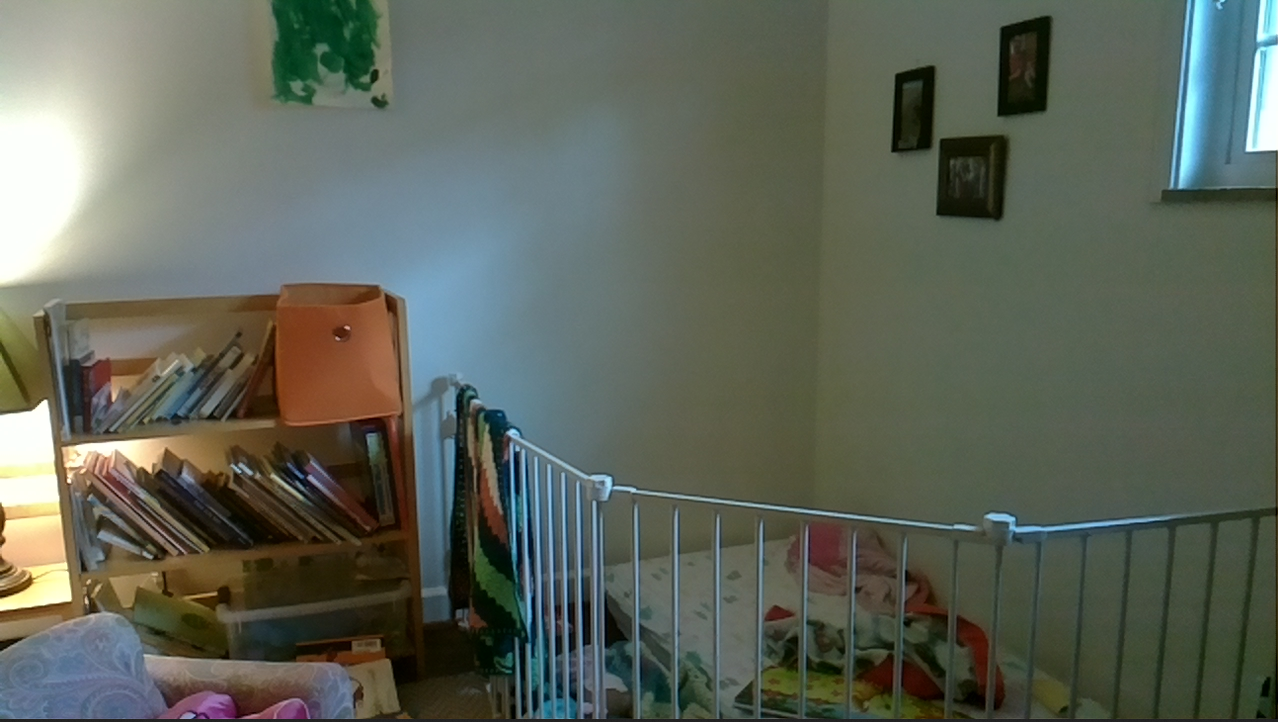
It works!
Create bash script
echo './mjpg_streamer -o "output_http.so -w ./www" -i "input_raspicam.so -x 1280 -y 720 -fps 15"' > my_mjpg_stream.sh chmod +x my_mjpg_stream.sh ./my_mjpg_stream.sh
It still works.
In the end I needed to modify this script slightly to include the library path, and to use absolute file paths.
Here’s the complete file:
my_mjpg_stream.sh:
export LD_LIBRARY_PATH=/home/pi/dev/mjpg-streamer/mjpg-streamer-experimental

/home/pi/dev/mjpg-streamer/mjpg-streamer-experimental/mjpg_streamer -o "output_http.so -w ./www" -i "input_raspicam.so -x 1280 -y 720 -fps 15"
link to /usr/bin
cd /usr/bin sudo ln -s /home/pi/dev/mjpg-streamer/mjpg-streamer-experimental/my_mjpg_stream.sh my_mjpg_stream.sh
Create service
vim /lib/systemd/system/my-mjpg-stream.service
In this file, we write:
[Service] Type=simple ExecStart=/bin/bash /usr/bin/my_mjpg_stream.sh

[Install] WantedBy=multi-user.target
This is the service file that will let us turn it into a daemon.
Copy it to the right place and set permissions:
sudo cp /lib/systemd/system/my-mjpg-stream.service /etc/systemd/system/my-mjpg-stream.service sudo chmod 644 /etc/systemd/system/my-mjpg-stream.service
Start the service:
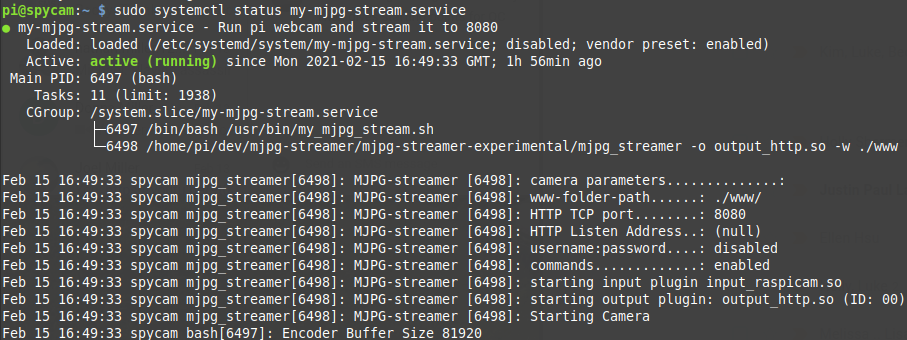
sudo systemctl start my-mjpg-stream.serve sudo systemctl status my-mjpg-stream.service